
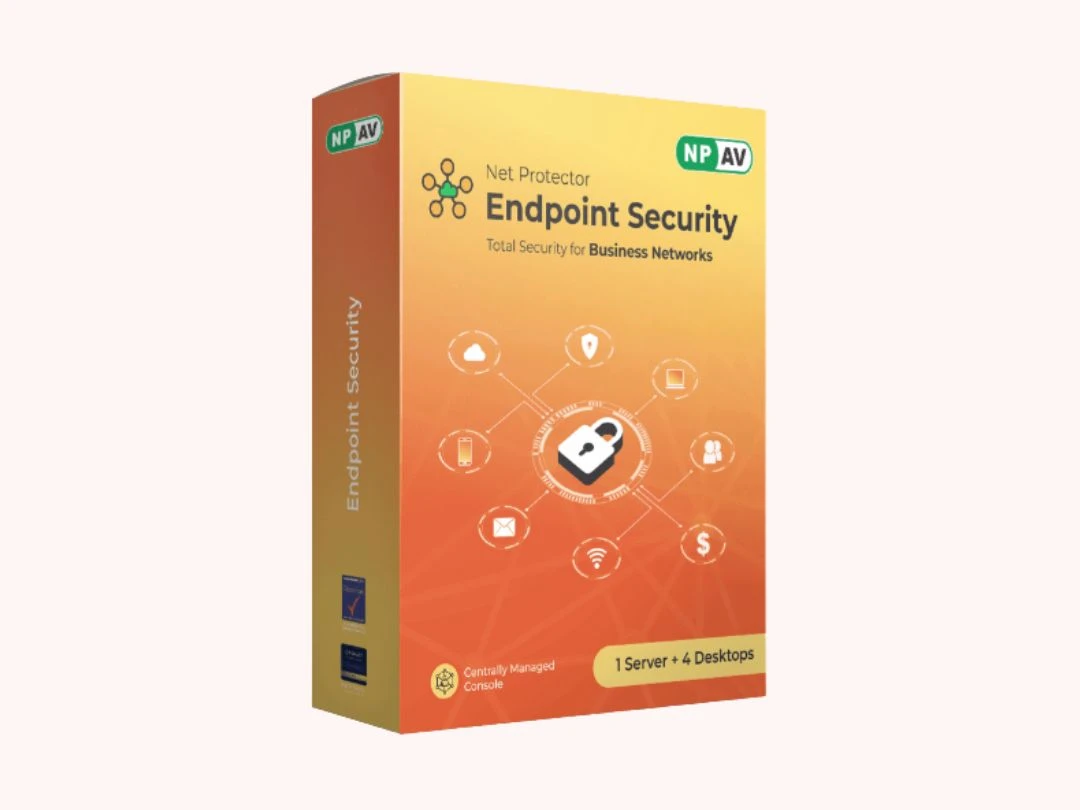
Net Protector Endpoint Security

Brand: NPAV

No reviews yet.

| Write a Review | Have Questions?

Save Extra with 2 Offers

  • Save up to 28%, Get GST Invoice
  • Buy Now & Pay Later
  • Advice
    Get Instant Expert
    Advice
  • Payment
    Safe & Secure
    Payment
  • Guaranteed
    Assured Best Price
    Guaranteed
  • Description

  • Pricing

  • Specification

  • Reviews

  • Questions

  • FAQs

Net Protector Endpoint Security Software Pricing, Features & Reviews

What is Net Protector Endpoint Security?

Net Protector Endpoint Security is a comprehensive security management solution designed to protect an organization’s desktops, laptops, and servers from evolving cyber threats. It offers a centralized administration console that allows businesses to monitor, manage, and secure all endpoints across the network from a single platform.

Net Protector Endpoint Security Pricing & Plans

Pricing of Net Protector Endpoint Security

Net Protector Endpoint Security pricing is available on request at smartbizsoft.com. The cost depends on factors like features, usage requirements, and organizational needs.

For detailed pricing, offers, or a free demo, you can contact the product team.

Request For Price

Net Protector Endpoint Security

Net Protector Endpoint Security Specifications

Supported Platforms :

Windows, iOS, Android, Linux

Device :

Desktop, Mobile, Tablet, iPad

Deployment :

Perpetual

Suitable For :

All Industries

Business Specific :

All Businesses

Business Size :

Small Business, Startups, Medium Business, Enterprises, SMBs, SMEs, MSMBs, MSMEs

Language :

English

Technology :

Next Generation

Net Protector Endpoint Security Reviews

0%

Have recommended this product

Overall Score

0/5
☆☆☆☆☆

Based on 0 Reviews

Features 0/5
Value for Money 0/5
Ease of Use 0/5
Customer Support 0/5

Review this product

Your valuable feedback helps others make better decisions.

Add Review

No reviews yet. Be the first to review this product!

Net Protector Endpoint Security Questions

No questions yet. Be the first to ask!

Net Protector Endpoint Security FAQ

Step 1: Go to Scan Tab of Admin Console, and Select Specified machine or all machines. Step 2: For Instant Scan click on the Scan Now Icon on the bottom of the Dashboard

Step 1: Go to Update Tab of Admin Console, and Select Specified machine or all machines. Step 2: For Instant update click on the Update Now Icon on the bottom of the Dashboard

Device Control feature of Admin Console (EPS) is useful for Restricting Access of Removable Disks and Mobile Devices to Client Machines Step:1 Select the Device Control tab from the Admin Console Dashboard. Step:2 Administrator can see the detailed report of each PC in network . Report contains Client IP, Host Name, Removable Scan Count, USB Drive Status, Group Name, Mobile Device Status Step:3 Select the PC on which you have to give Device Control Settings, click on Select Setting and select Device Control, or Select the Setting Icon present on the Bottom of Dashboard Step:4 Click on USB Removable Devices, and Select Mode like Disable, Read/Write and Read Only and Click on Save to Apply the Settings. Disable:- For Permanently Disable the Access of USB Removable devices Read/Write:- User can Read the data and also Write on USB devices. Read Only:- User can only Read Data from USB devices Step:5 Click on Mobile Devices, and Select Mode like Disable, Read/Write and Read Only and Click on Save to Apply the Settings. Disable:- For Permanently Disable the Access of Mobile Devices. Read/Write:- User can Read the data and also Write on Mobile Devices. Read Only:- User can only Read Data from Mobile Devices Step:6 Administrator can see the additional shortcut menus at the end of dashboard Step:7 For selection of all PCs in network, click on Select All option instead of selecting each PC'S in network
Scroll to Top
×

Fill the form to get the advice

    ×

    Fill the form to become a partner
